Best Home Inventory App for iPhone: 7 Features That Actually Matter
Comparing home inventory apps for iPhone? Look for fast photos, nested locations, tags, search, iCloud sync, and a system you will actually keep updated.
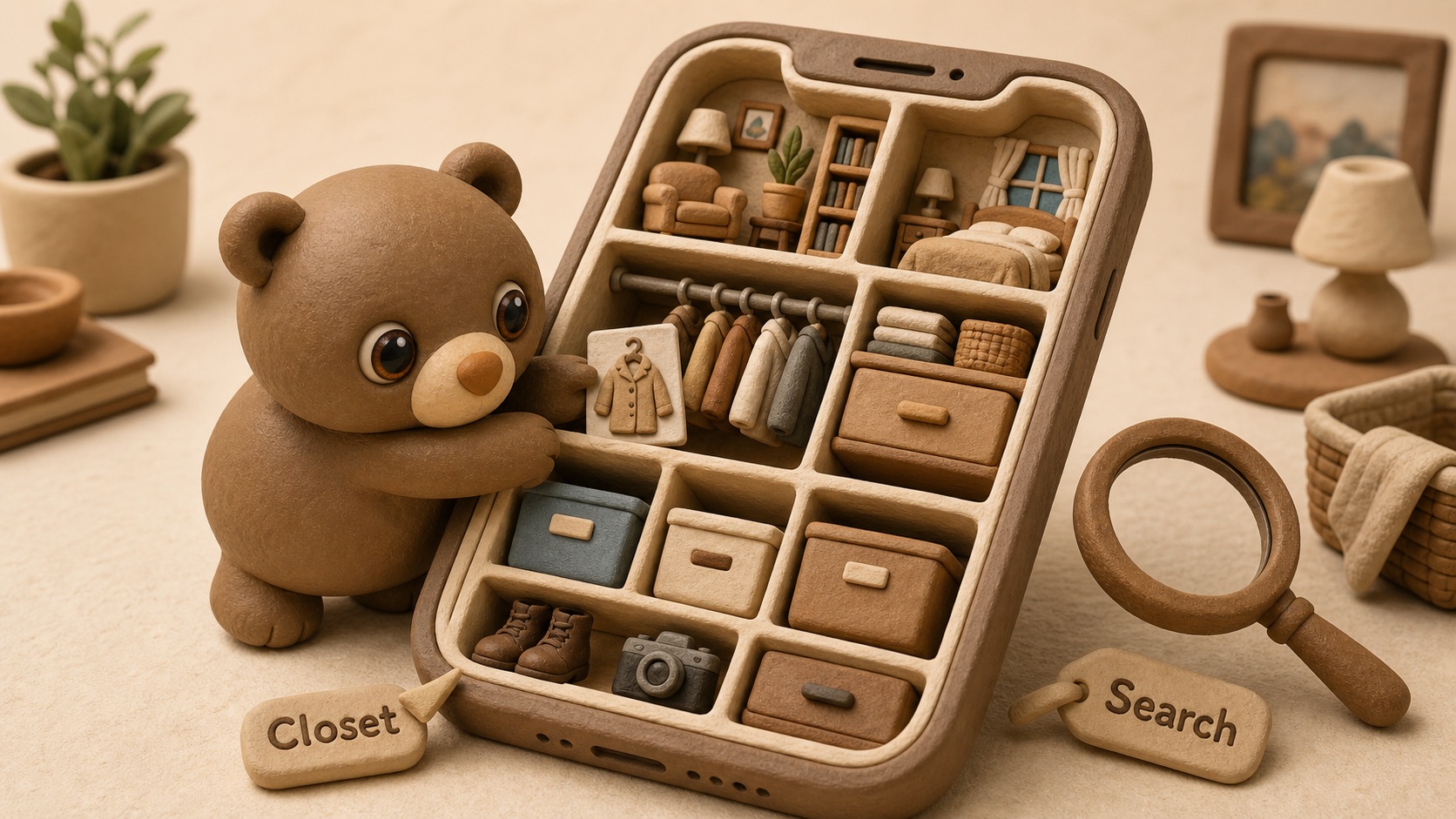
The best home inventory app for iPhone is not the one with the most buttons. It is the one you will still use after the responsible-person energy wears off.
A good app should help you answer simple questions quickly: what do I own, where is it, and do I have proof if I need an insurance claim?
If you are comparing home inventory apps, ignore the feature lists that sound like accounting software moved into your coat closet. These are the seven features that actually matter.
1. Fast photo capture
Photos are the backbone of a useful home inventory. They are faster than typing, easier to trust later, and much more helpful during an insurance claim than a vague note that says “electronics.”
The app should make it easy to add photos as you walk through a room. You want to capture wide shots, close-ups, labels, model numbers, serial numbers, receipts, and the contents of bins or boxes before they get sealed or stacked.
This matters because inventory work usually happens in small bursts. Five minutes in the pantry. Ten minutes in the garage. One drawer while waiting for the laundry. If adding a photo feels like filing paperwork, you will stop doing it.
2. Real locations, not just rooms
“Garage” is not a location. It is a weather condition with shelves.
A useful home inventory app needs nested locations: home, room, closet, shelf, bin, drawer, box, cabinet, storage unit, or any other place your belongings actually live. The difference between “Office” and “Office → Closet → Blue File Box → Tax Folder” is the difference between finding something and performing archaeology.
This is especially important if you have:
- Holiday decorations
- Tools and hardware
- Emergency supplies
- Kids’ hand-me-downs
- Moving boxes
- Sentimental items
- Documents
- Extra cables, chargers, and adapters
The best iPhone inventory app should reflect your home as it is, not as a tidy floor plan. Homes have junk drawers. Homes have “top shelf behind the humidifier.” The app should handle that without making you apologize.
3. Search that works when your memory does not
You will not always remember whether you called something “camping stove,” “backpacking burner,” or “little green propane thing.” Good search should still help.
At minimum, search should let you find items by name, notes, tags, room, container, and other useful text. If you can search “passport,” “AA batteries,” “Christmas lights,” or “spare HDMI” and get a sensible result, the app is doing its job.
Search is what turns a home inventory from a static record into a daily tool. Insurance documentation is important, but most people use their inventory for smaller moments: finding the thermometer, locating the air mattress pump, checking whether they already own picture-hanging hooks before buying another doomed variety pack.
4. Tags for flexible organization
Rooms are not enough. Some items belong to categories that cut across the whole house.
Tags let you group things like:
emergencyinsurancedocumentsholidaybaby geartoolsdonateborrowedwarrantymoving
This is helpful because an item can have one physical location but several meanings. A battery bank might live in the entry closet, belong to the emergency kit, and need to be checked before storm season. A bin of kids’ clothes might live in the attic, be tagged by size, and later become a donation project.
5. Useful details for valuable items
Not every item needs a full dossier. Nobody needs an individual record for every coffee mug unless the mugs are rare, haunted, or emotionally complicated.
But for valuable, hard-to-replace, or claim-worthy items, the app should support practical details:
- Brand and model
- Serial number
- Purchase date
- Estimated value
- Receipt photo or order screenshot
- Warranty notes
- Condition notes
- Accessories or parts
This is where a home inventory app can become genuinely useful for insurance. After a theft, fire, water leak, or moving disaster, you do not want to reconstruct your belongings from memory while stressed. You want a calm record you made earlier, back when the blender was dry and the laptop still had a serial number sticker.
6. iCloud sync and privacy-friendly storage
For an iPhone home inventory app, sync matters. Your inventory should not feel trapped on one device, especially if you replace your phone, use an iPad, or want your records available when you are away from home.
iCloud support is a strong fit for this kind of app because it keeps the experience familiar to iPhone users and avoids making your household inventory feel like another random account to manage. You are storing photos of your rooms, documents, belongings, and sometimes expensive items. That deserves a little caution.
When comparing apps, pay attention to where your data goes, whether sync is automatic, and whether the app’s storage model fits your comfort level. Convenience is good. Surprise cloud mystery is less good.
7. A system that is easy to update
The real test of a home inventory app is not setup day. It is six months later, when you buy a new drill, move the emergency lantern, donate three boxes, and shove winter gear into a different bin because guests are arriving in twenty minutes.
The app should make updates simple: add an item, move it to a new location, attach a photo, add a tag, search later. If keeping the inventory current requires a Saturday ritual and a spreadsheet, it will slowly become historical fiction.
So, which app should you choose?
Choose the app that matches how people actually live. The best home inventory app for iPhone should be fast, visual, searchable, location-aware, and forgiving. It should help with insurance without only being for insurance. It should help you find the spare batteries on a Tuesday, not just document the TV after something goes wrong.
Cubby is built around that practical version of home inventory: homes, rooms, nested storage locations, photos, tags, search, and iCloud sync. It is designed for remembering where things live, whether that thing is a passport, a camping stove, a moving box, or the one charger that apparently runs the entire household.
If you are starting from zero, do not inventory the whole house today. Pick one useful area: the garage shelf, the office closet, the emergency kit, the moving boxes, the expensive electronics. Add photos. Name the containers. Tag the important stuff. Give future-you a fighting chance.
The best app is the one that makes that easy enough to repeat.