Home Inventory Checklist for Insurance: A Room-by-Room Template
A practical checklist for documenting your belongings before you ever need an insurance claim — with photos, receipts, serial numbers, and exact storage locations.
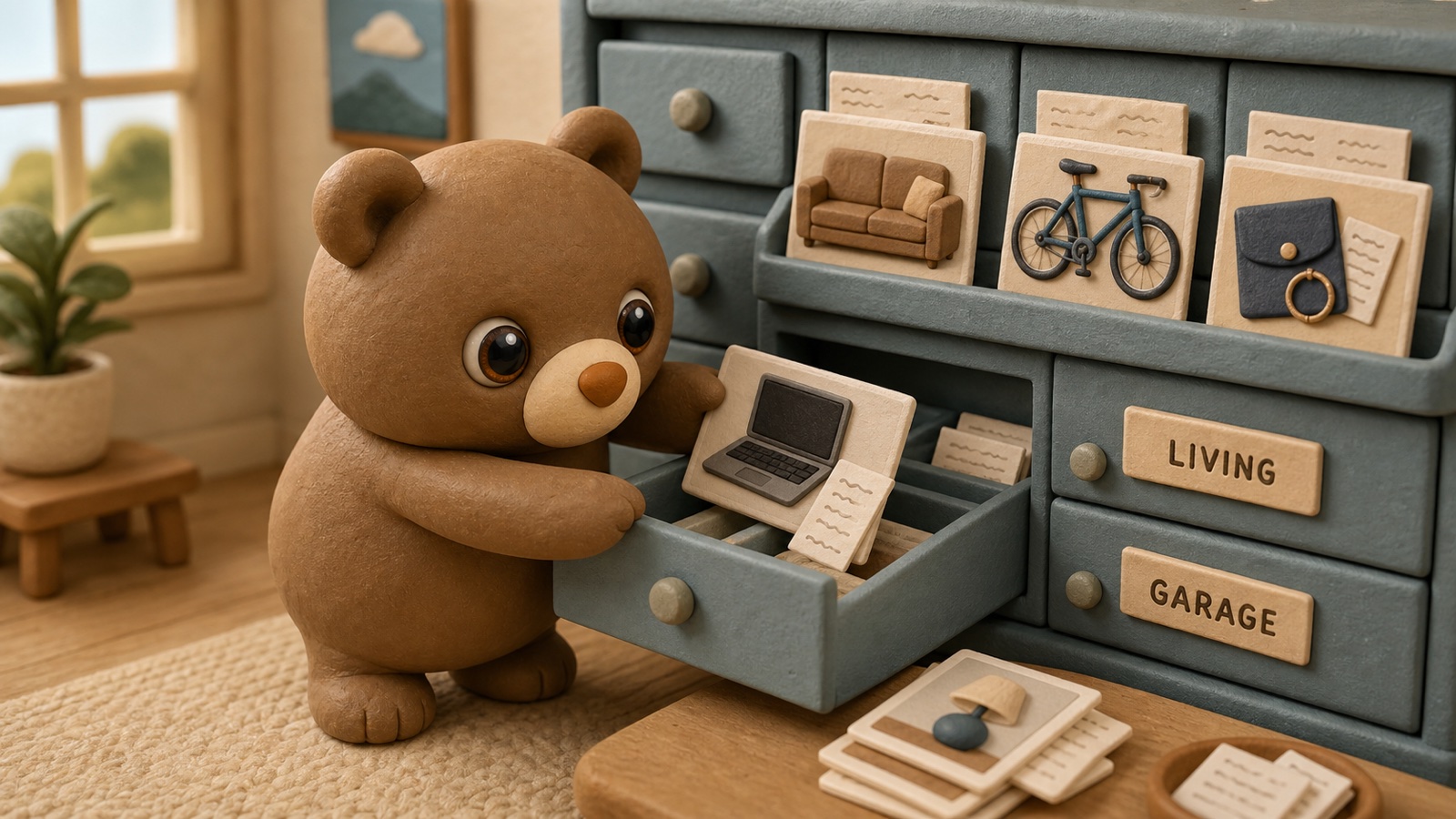
A home inventory is one of those tasks everyone agrees is responsible, useful, and obviously worth doing. It also sits untouched for years because it sounds like homework invented by an insurance company with a clipboard.
The trick is not to inventory your entire life perfectly. The trick is to make a useful record quickly, then keep it easy enough to update later.
If you ever need to file an insurance claim after theft, fire, water damage, or a move gone wrong, you will not want to reconstruct your belongings from memory. You will want photos, names, rough values, receipts where you have them, and a clear note of where things were stored.
Here is a room-by-room checklist that gets you there without turning your weekend into a museum cataloging project.
What to record for each important item
For anything valuable, hard to replace, sentimental, or easy to forget, capture:
- Item name
- Brand or model
- Serial number, if it has one
- Approximate purchase date
- Approximate value or replacement cost
- Receipt or order screenshot, if available
- One clear photo
- Exact location: room, closet, shelf, box, storage unit, or drawer
- Notes about condition or accessories
You do not need this level of detail for every spoon. Start with the items that would be annoying, expensive, or emotionally painful to replace.
Living room checklist
Start with the visible high-value items. Living rooms are usually fast because the important things are not hidden.
Document TVs, speakers, receivers, streaming devices, game consoles, rugs, lamps, art, cameras, headphones, tablets, chargers, books, records, collectibles, and furniture receipts if you have them.
Take one wide photo of the whole room, then closer photos of electronics and anything with a model or serial number.
Kitchen checklist
Kitchens hide value in plain sight. A single appliance drawer can quietly contain hundreds of dollars of gear.
Document stand mixers, espresso machines, blenders, food processors, air fryers, cookware sets, knives, specialty pans, baking gear, dishware, glassware, serving pieces, bar tools, and pantry appliances stored away from the counter.
Grouped photos are fine for many categories. A photo of the knife drawer plus a note like “chef’s knife, paring knife, bread knife” is better than no record at all.
Bedrooms and closets
Bedrooms are where people undercount. Clothing, bags, jewelry, watches, shoes, and electronics add up quickly.
Document laptops, monitors, tablets, cameras, work equipment, jewelry, watches, sunglasses, handbags, designer clothing, outerwear, suits, formalwear, shoes, mattresses, bed frames, dressers, nightstands, lamps, rugs, and important documents stored in drawers or boxes.
Closets deserve their own quick pass. Photograph each shelf, drawer, and hanging section. If you use storage bins, label them and record what is inside.
Bathrooms and medicine cabinets
Most bathroom items do not need individual entries, but a few categories are worth capturing: electric toothbrushes, hair dryers, skincare devices, razors, grooming tools, prescription glasses, contacts, specialty medical items, expensive skincare, fragrance, and first-aid supplies.
This is also a good moment to note where emergency supplies live. Future-you will not enjoy searching for gauze during a crisis.
Garage, attic, basement, and storage areas
This is where a home inventory becomes genuinely useful day to day, not just for insurance. Hidden storage is where tools, cables, holiday decorations, camping gear, and old-but-important items vanish.
Document power tools, hand tools, batteries, chargers, hardware kits, bikes, sports gear, camping gear, luggage, car supplies, holiday decorations, seasonal bins, paint, repair supplies, extension cords, outdoor equipment, sentimental boxes, documents, and backup household supplies.
Use a simple location path. For example:
Main Home → Garage → Metal Shelf → Clear Bin 04
That path matters. “Garage” is not enough when there are fourteen bins and every one of them looks like it contains either Christmas lights or emotional damage.
Outdoor, patio, and shed checklist
Outdoor spaces are easy to forget because items may not feel like part of the house. They still cost money to replace.
Document patio furniture, umbrellas, heaters, grills, fire pits, garden tools, hoses, planters, outdoor storage bins, bikes, scooters, strollers, sports gear, shed contents, and outdoor power equipment.
Take photos before winter storage or after major purchases.
A fast one-weekend workflow
If you want to finish quickly, use this sequence:
- Walk through each room and take wide photos.
- Add individual photos for expensive or sentimental items.
- Label hidden containers with simple names or numbers.
- Record the exact location path for each important item.
- Add receipts or serial numbers later only where they matter.
This avoids the classic failure mode: spending 45 minutes documenting one drawer, getting bored, and abandoning the whole thing. Begin broad. Add detail where it pays off.
Spreadsheet, notes app, or home inventory app?
A spreadsheet works if your main goal is a one-time insurance record. It is less pleasant when you want to answer normal household questions like “where did we put the extra router?” or “which box has the ski gloves?”
A notes app is fast, but it gets messy once locations get nested.
A home inventory app is useful when it lets you search, attach photos, and store locations the way your house actually works: home, room, closet, shelf, box, drawer.
That is the job Cubby is built for. You can start with the checklist, then save the important items in Cubby with photos, tags, and exact storage paths. It turns an insurance chore into something useful the next time you are looking for batteries, passports, gift wrap, or the box of cables you were absolutely certain you would remember.
How often to update your inventory
Do a quick update when you move, buy expensive electronics or furniture, reorganize storage bins, add a storage unit, create a new garage shelf, or renew insurance coverage.
A home inventory should be alive, but not needy. If updating it feels like feeding a second pet, the system is too complicated.
Start simple. Photograph the important things. Give hidden items a real location. Make it searchable. That is enough to save you from both insurance panic and the household scavenger hunt from hell.